



Community
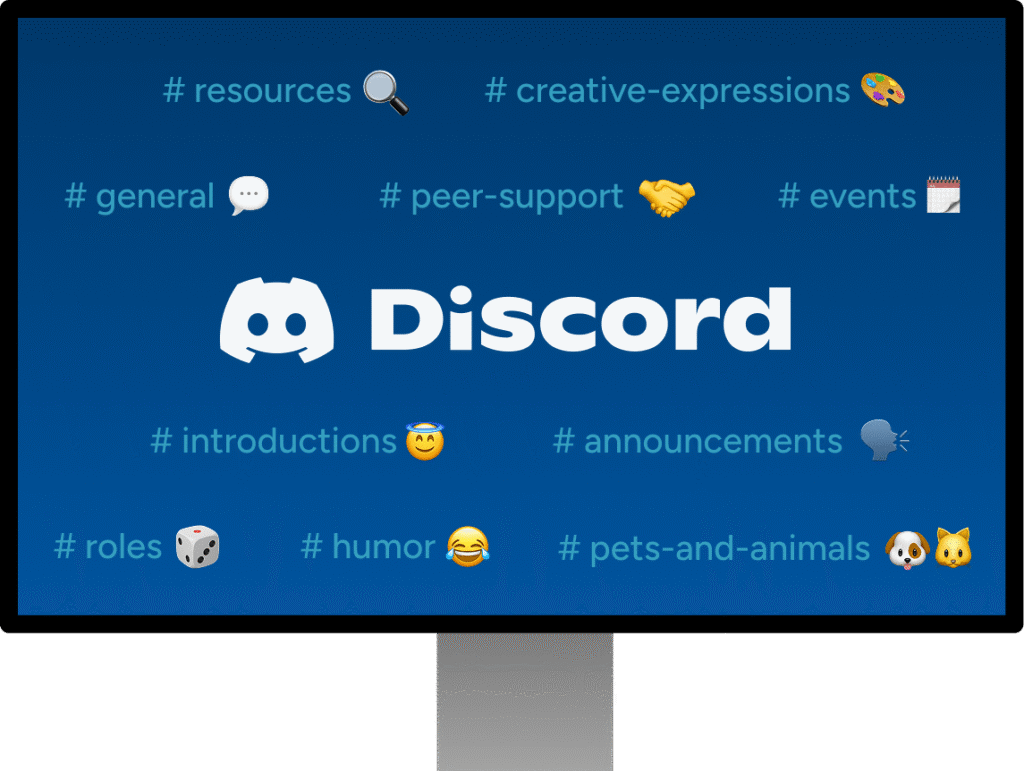
CT Support Group offers free, voluntary, peer-led support for teens and young adults statewide. Join our Discord server to get support, connection to resources, and to build a community with other young folks in Connecticut.
We host monthly events including game nights, playlist co-creation hangouts, coffee & chats, and more. Come make friends, share memes, and get support from trained peer supporters!







Building Community and Connection
Discord allows users to join communities based on their interests, hobbies, or shared experiences, including mental health challenges. This can help individuals feel less isolated and more connected to others navigating similar situations.
Frequently Asked Questions
Who can join?
Anyone in Connecticut between the ages of 14 and 29 can join!
How do I get started?
Click the Join Our Discord server button below. This will take you to Discord’s website, or to the app if you have it downloaded. Create a Discord account or login if you already have an account. Once you’re logged in, you’ll receive a direct message with two questions. Answer the questions and read and agree to the server rules. Head to the #introductions channel to introduce yourself and meet other members!
How do I post a new topic or reply to a discussion?
Click on the icon for the CT Support Group server. The server will open automatically if it’s the only Discord server you’ve joined. Once it’s open, use the sidebar to select from our list of text and voice chat channels. Choose which channel you’d like to post in. If you’re not sure which channel is most appropriate, use the #general chat or message one of the CT Support Group staff in the #talk-to-moderators channel to ask.
To reply directly to a message, click the reply arrow on the message you’d like to respond to on desktop or press and hold the message on the mobile app and choose the ‘Reply’ option. This will open a “thread” for users to discuss the original message. You can opt in to notifications on any thread by clicking the bell icon in the top-right corner, once the thread is open.
How do I turn on/off notifications?
The notifications settings menu lets you manage which channels, people, and posts can send you notifications. Click on the CT Support Group server and select the server name (top-left corner). If on mobile, a “notification settings” button should appear. If on PC, scroll through the pop-up box until you find it.
Who should I contact if I need help joining or navigating the server?
Email ctsg@positivedirections.org if you need help joining our Discord server. Once you’ve joined, use the #talk-to-moderators channel to ask questions or share ideas with our server moderators.
Who moderates drop in peer support hours on Discord?
The peer support drop-in hours on Discord are currently moderated by our Project Manager, Quinn. Quinn is a certified recovery support specialist who is also trained in Intentional Peer Support.